
GoValid Add-in for
Microsoft Office
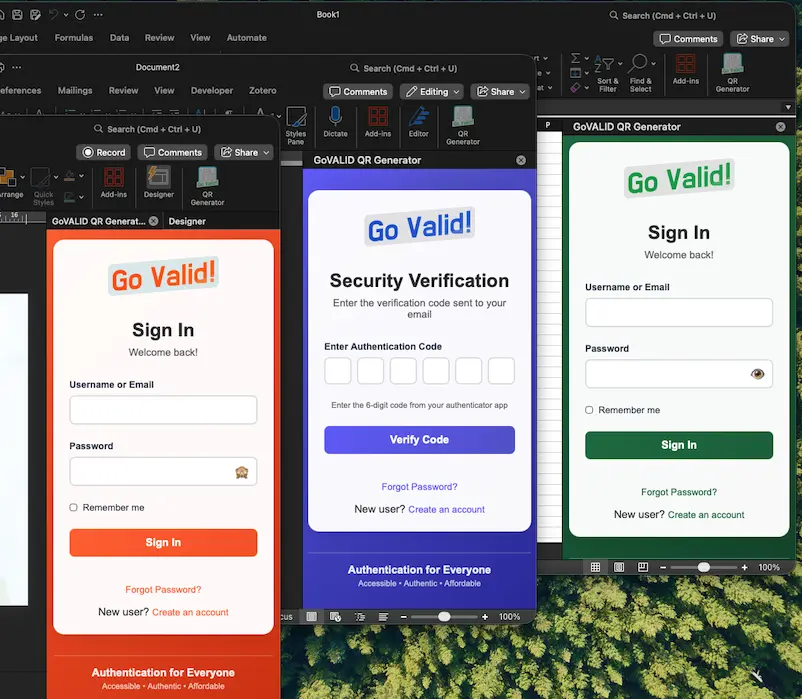
Seamlessly integrate your documents with our traceability and authentication network — from creation to verification.
Numbering Patterns
Privacy & Data Control
Flexible QR Size & Security Level
QR Logos & Visual Identity
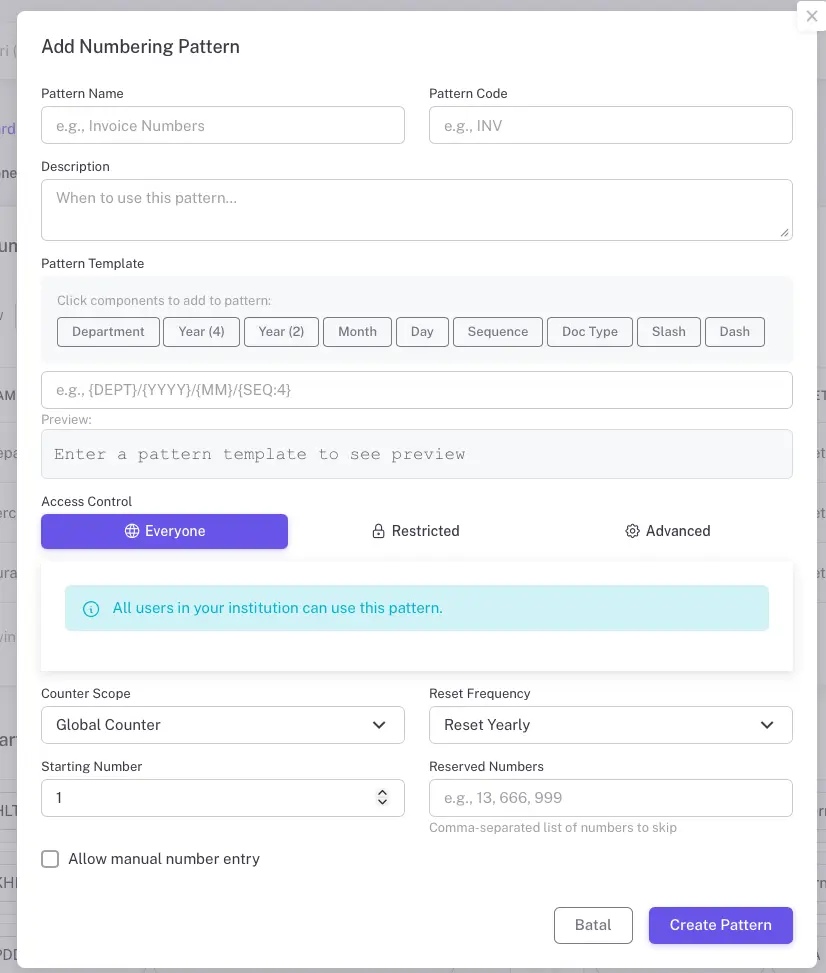
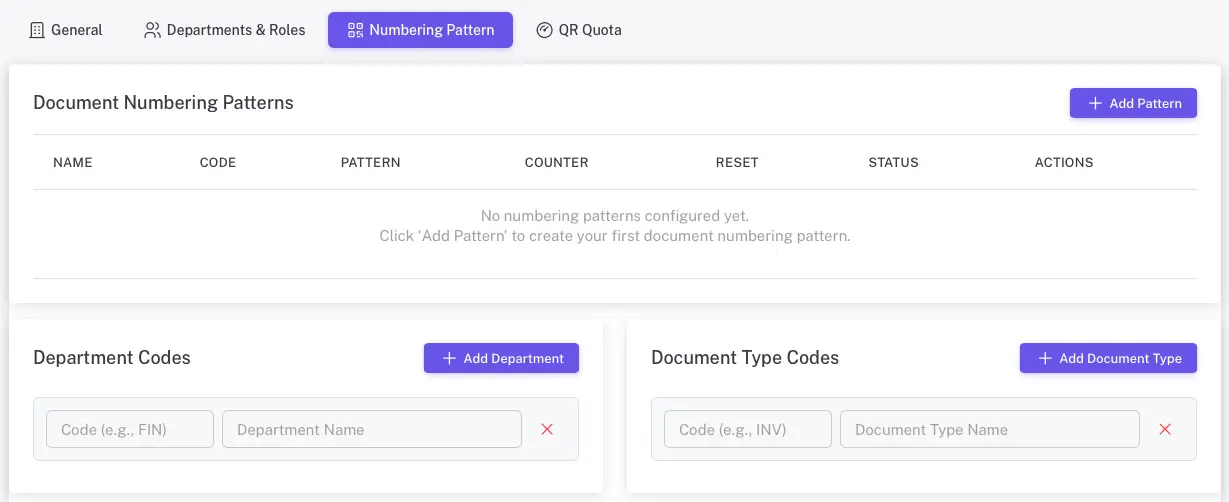
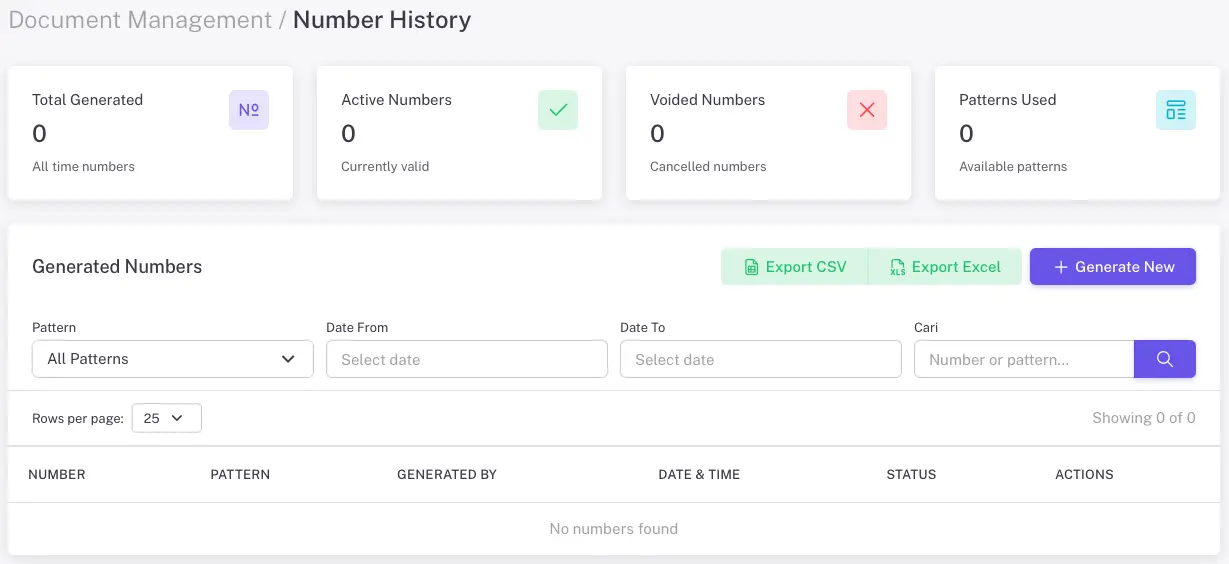
Institutional Numbering Pattern and Integrated Traceability
The GoValid ecosystem introduces a unified numbering pattern designed for organisations and institutions that manage high volumes of documents, certificates, or product codes. This system ensures every QR, file, or item can be traced, audited, and verified across all connected platforms.
- Auto-Generated Sequences
- Role-Based Number Management
- Cross-Platform Synchronisation
- Traceable History
- No Missing or Overlapping Numbers
- Reserve & Hybrid Numbering Mode
Flexible Privacy & Data Control
GoValid gives users full freedom to decide how much information they want to reveal or protect. Whether verifying a document, product, or certificate, you can keep data minimal or make it fully transparent — always under your control.
- Minimal or Complete Data Display
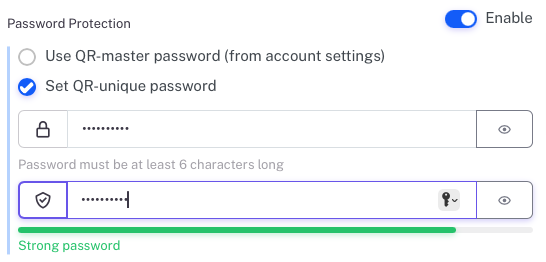
- Password Protection with master password or a unique one-time
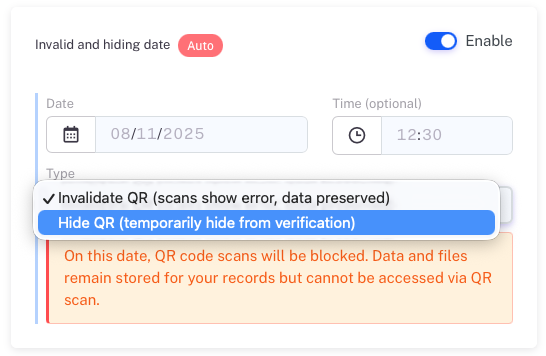
- Expiry & Auto-Invalidation
- Data Removal Option
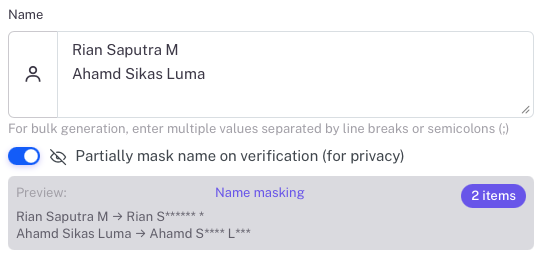
- Partial Masking (Asterisks ****)
- Full Integration Across Platforms
Flexible QR Size & Security Level
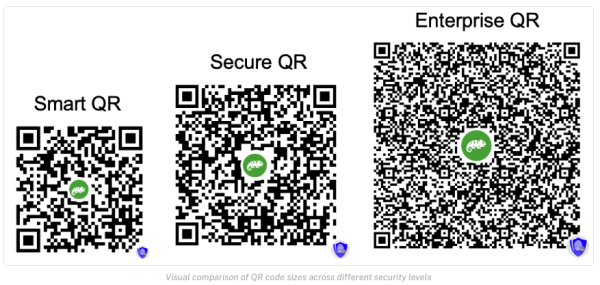
GoValid lets you choose the right balance between QR size, encryption strength, and data capacity. From ultra-compact tags to enterprise-grade certificates, every security level adapts to your unique purpose and visual preference.
- Smart QR – Compact and Efficient
A small, space-saving QR suitable for labels, tags, and simple use cases.
- Secure QR — Protected and Tamper-Resistant
Enhanced encryption ensures your QR code cannot be altered or misused. The QR contains an encrypted reference that securely connects to verification data, making it perfect for certificates and business documents.
- Enterprise QR — Optimum Trust & Legal Assurance
Built with digital signatures and non-repudiation, providing the highest level of protection and verifiable proof of origin. Ideal for legal documents, official records, and regulated requirements.
Branded QR Logos & Visual Identity
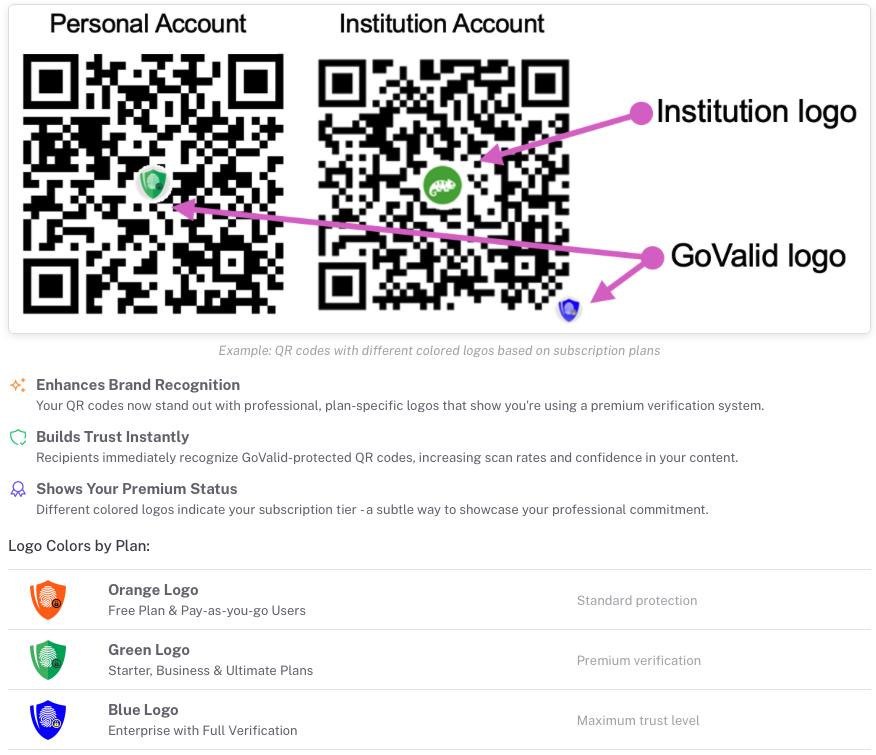
Every GoValid QR code carries a visual signature — helping users, customers, and institutions instantly recognise authentic and verified content. The embedded logo and colour indicate your plan, trust level, and brand identity.
- Enhances Brand Recognition
- Builds Trust Instantly
- Shows Your Premium Status
- Automatic Branding
- Customisable for Institutions
Complete Ecosystem for Authentication and Traceability
GoValid connects documents, products, and people through a unified platform for trust and verification. From individuals to institutions, every feature is designed to adapt, scale, and integrate seamlessly across web, mobile, and office applications.

We Offered Popular Services
At vero eos et accusamus et iusto odio dignissimos ducimus
Sign & Stamp Documents
Create digital signatures or stamps instantly. Add signer details, document numbers, expiry dates, and even location data — all protected by your chosen QR security level (Smart, Secure, or Enterprise).
PDF with QR Code
Upload any PDF and place your unique QR wherever you need it. Each code links to a verifiable record, ensuring every page or file remains traceable and tamper-proof.
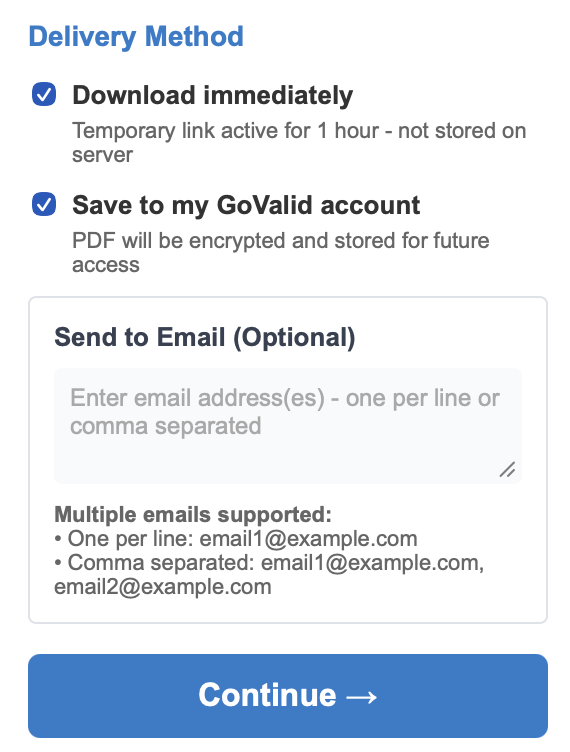
Secure Delivery & Storage
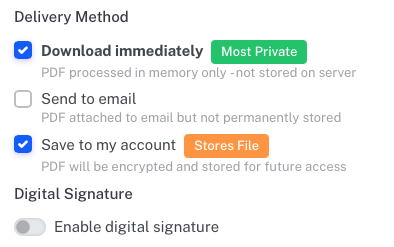
Send files directly by email, download instantly, or save them to your encrypted GoValid account. Choose temporary links or long-term storage — you control the privacy and access.
Write, sign, verify, and secure — all inside Word
From informal letters to official certificates, easily:
Apply digital stamps or signatures with built-in verification
Choose where your QR appears — top, bottom, or custom position
Generate Smart, Secure, or Enterprise QR levels instantly
Verify QR codes from PDFs or images, even if they appear on different pages
Save your signed file or share it with traceable verification links
Turn every Word document into a professionally verifiable file — secure, flexible, and ready for sharing.
Generate and track hundreds of QR codes automatically.
Auto-generate QR codes in multiple cells — one for each product, file, or record
Attach optional PDFs or images to every entry for detailed verification
Track and manage inventory, assets, or certificate numbering with institutional sequences
Combine bulk creation with analytics, exporting, and team-based numbering
Apply the same encryption standard (Smart, Secure, Enterprise) for every row
Perfect for batch QR generation, asset traceability, and inventory systems — directly in Excel.
Protect your slides and presentations with smart traceability.
Embed verifiable QR codes on each slide or presentation deck — ensuring ownership and authenticity for educational, training, or corporate content.
Create bulk certificates automatically by uploading Excel or CSV data and mapping columns to fields like Name, Title, Date, or Certificate Number.
Auto-fill and auto-number slides, with optional expiry dates, passwords, or revision identifiers for controlled distribution.
Drag and place your QR code or dynamic fields anywhere on the slide — fully flexible for different designs and templates.
Export, print, or share presentations with embedded verification links — anyone can scan or check online to confirm authenticity and metadata.
Turn every presentation into a trusted, traceable record — ready for conferences, trainings, and professional sharing.
Powered By:


My Cart
Login
Don't have an account yet?Sign Up


Queen
GoValid AssistantHi! I'm Queen, your GoValid assistant. How can I help you today?