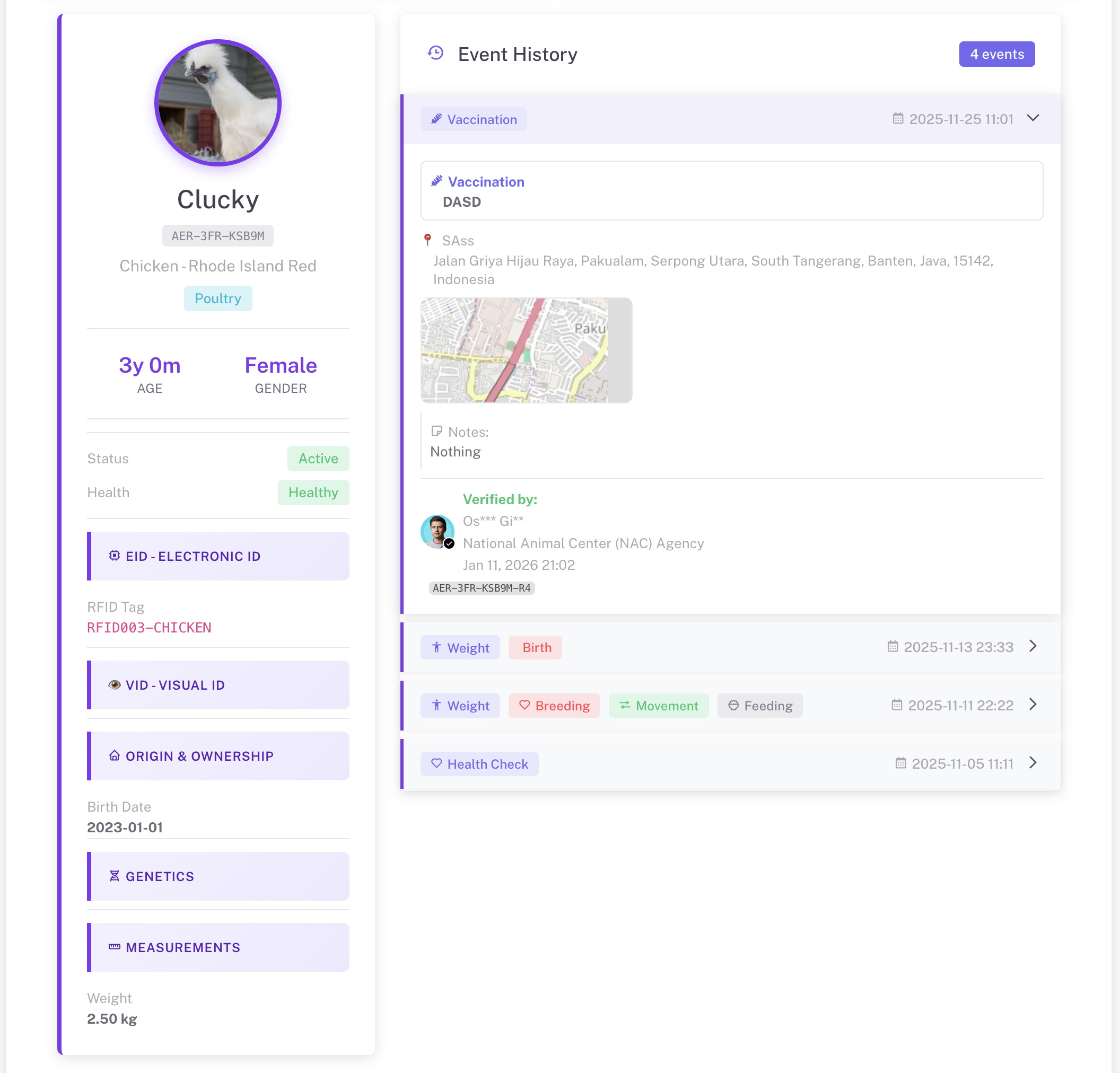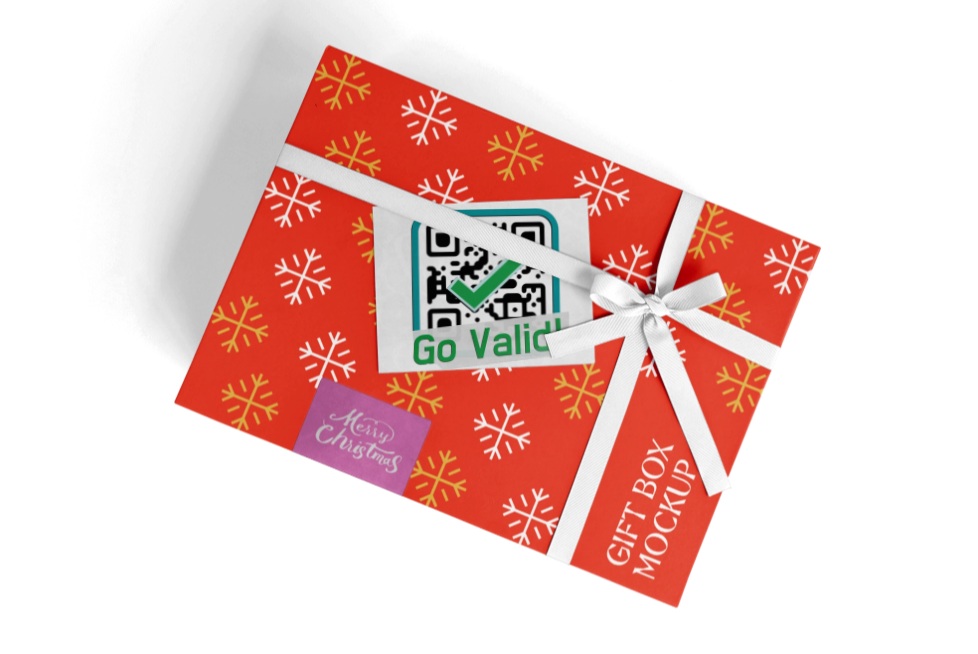


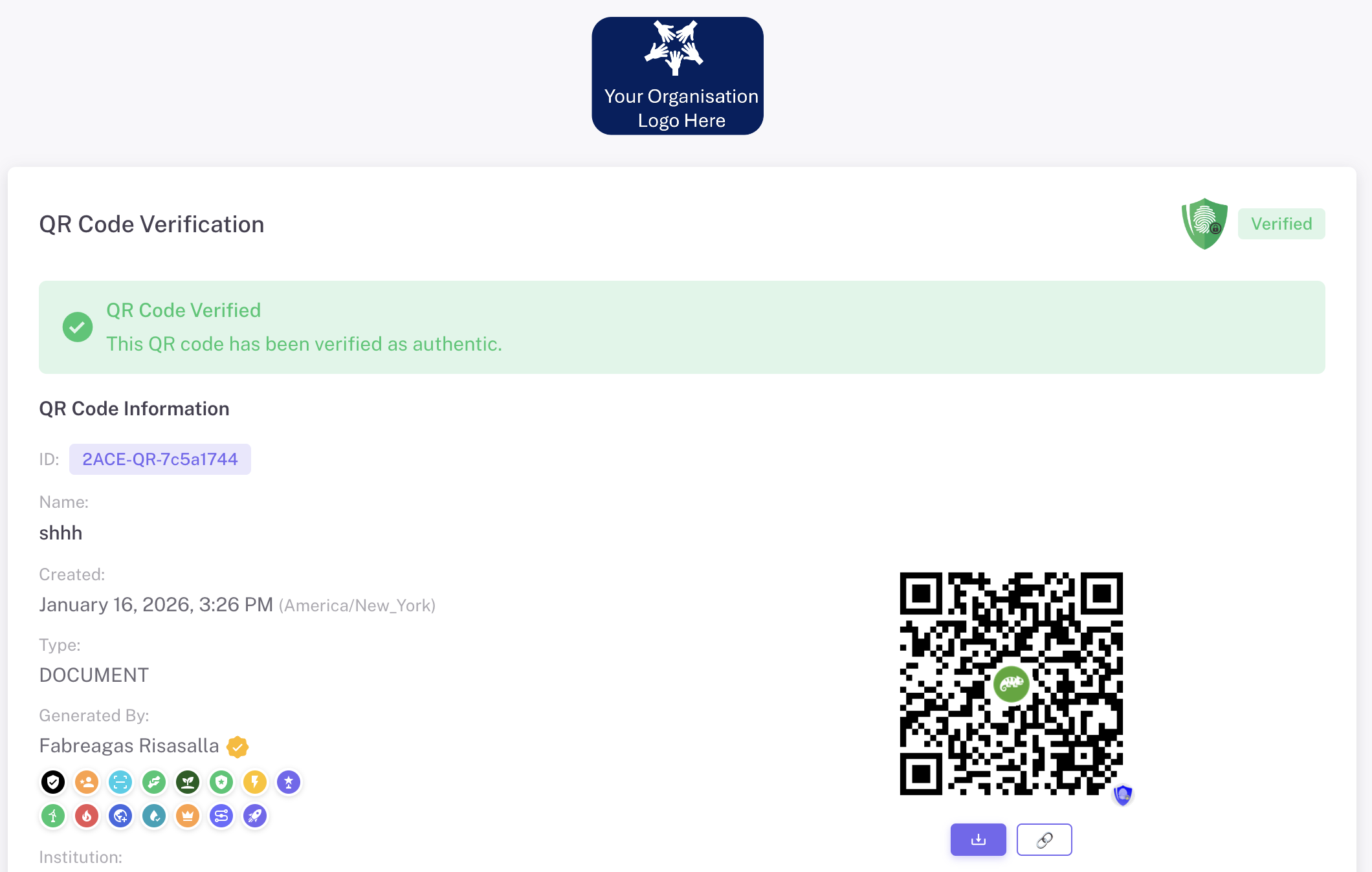

image
shd-2
Verification Page

Global Verification, Real Protection for Local Products

Every scan gives confidence—through early alerts, scan limits, and location tracking to help detect potential counterfeits.

img app
Tingkatkan Kepercayaan

Tiga Bagian Utama Halaman Verifikasi Anda

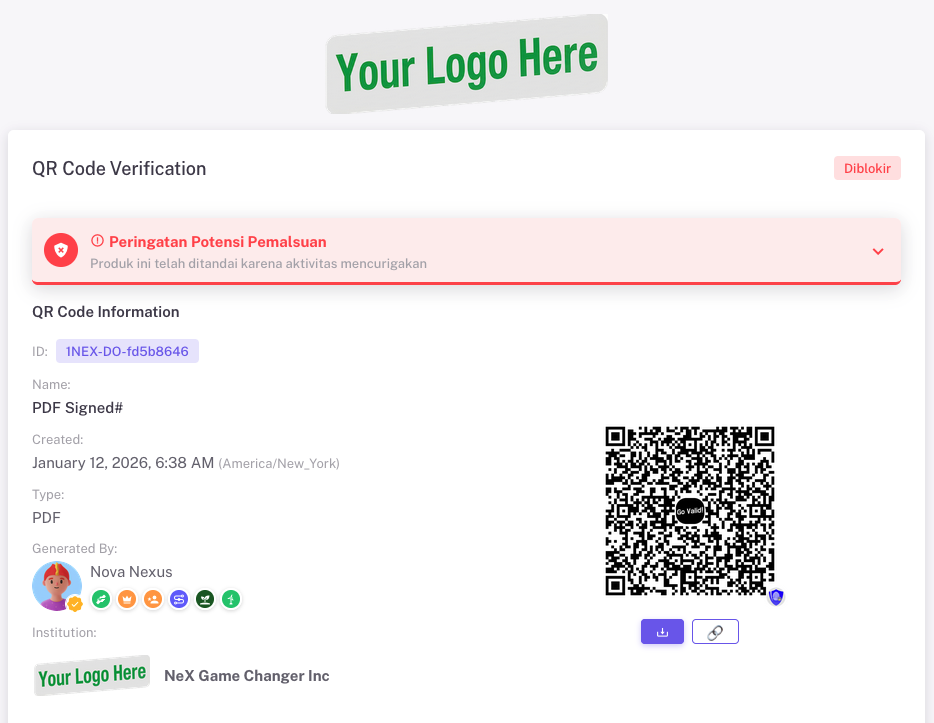
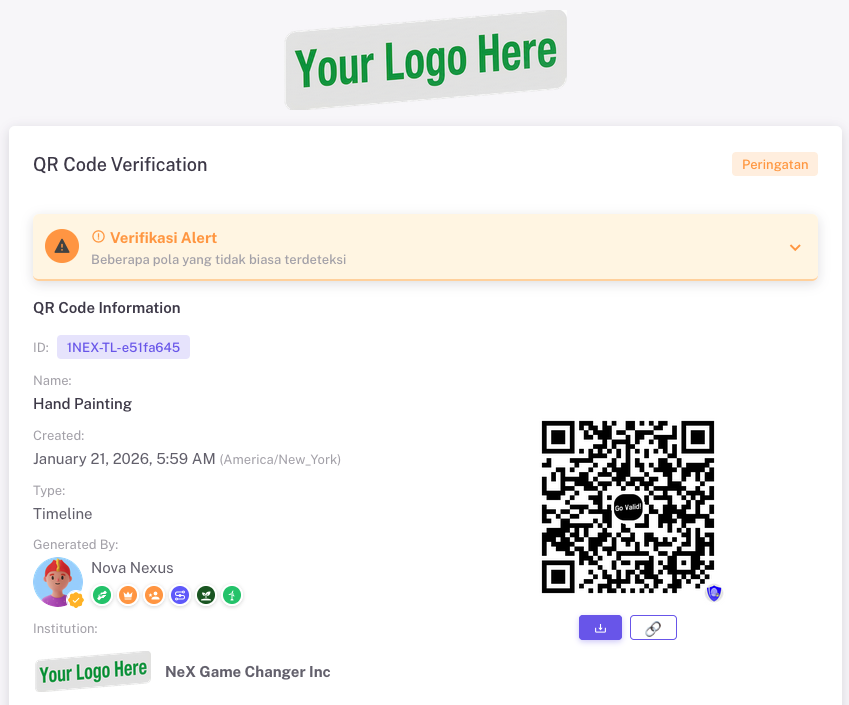
Logo & Basic Information

Displays your logo or the GoValid logo, the QR Code Name & ID, the Name & Badge, and the Organisation Logo & Name (if available).
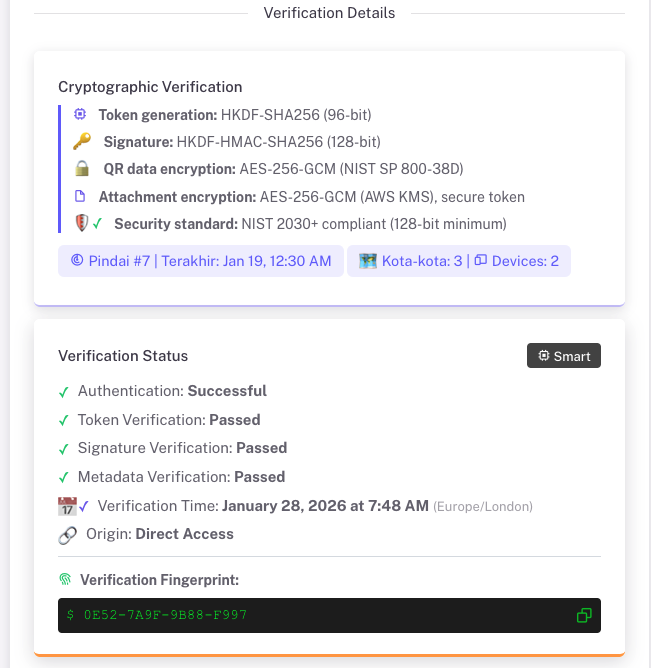
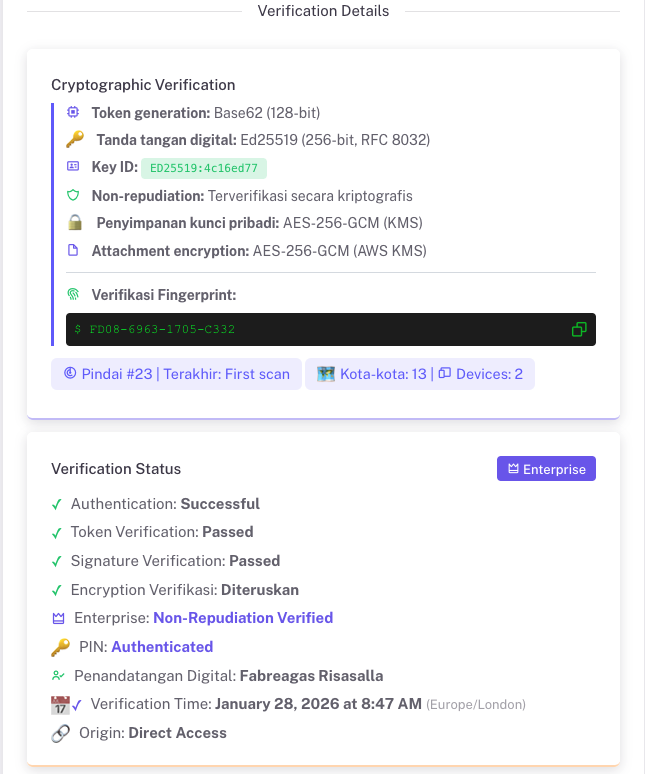
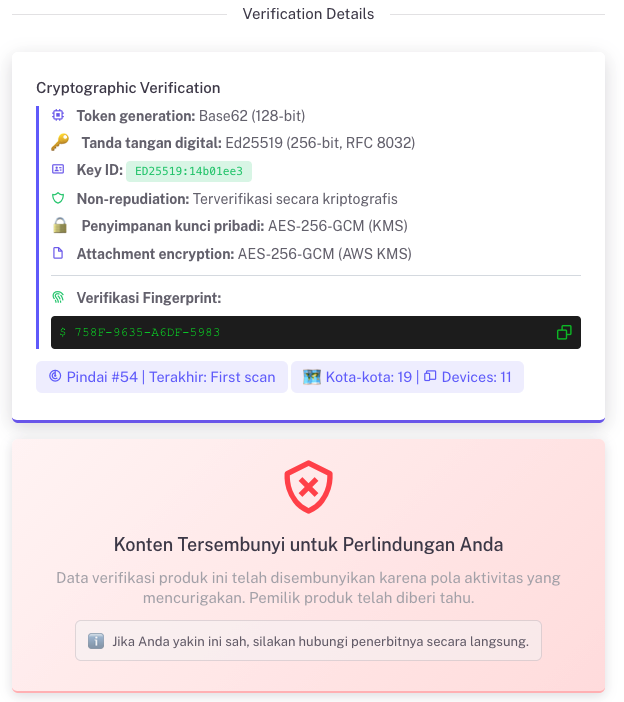
Encrypted Verification Details

Displays full cryptographic information and the verification status.

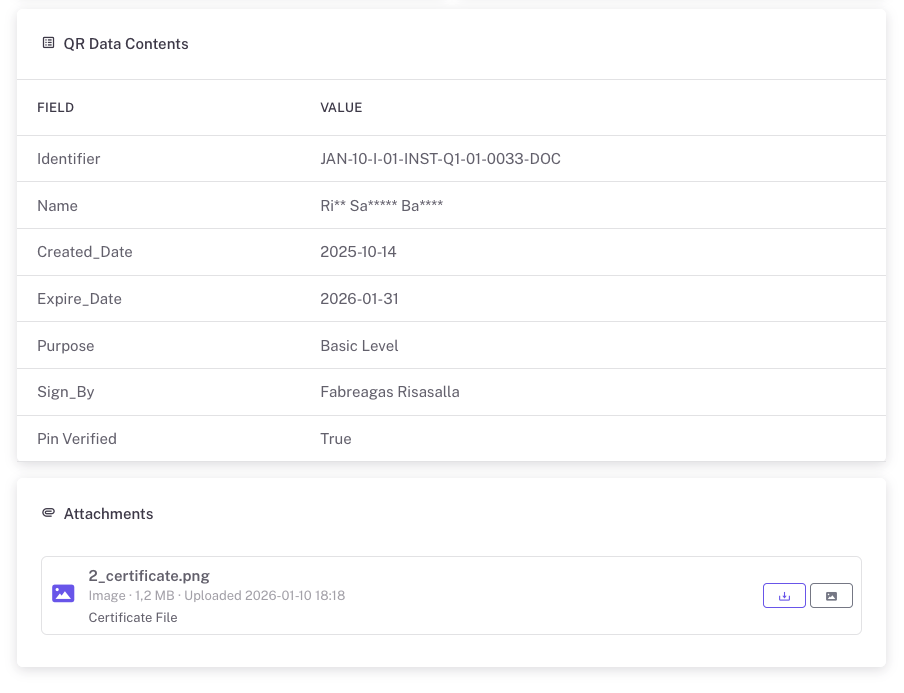
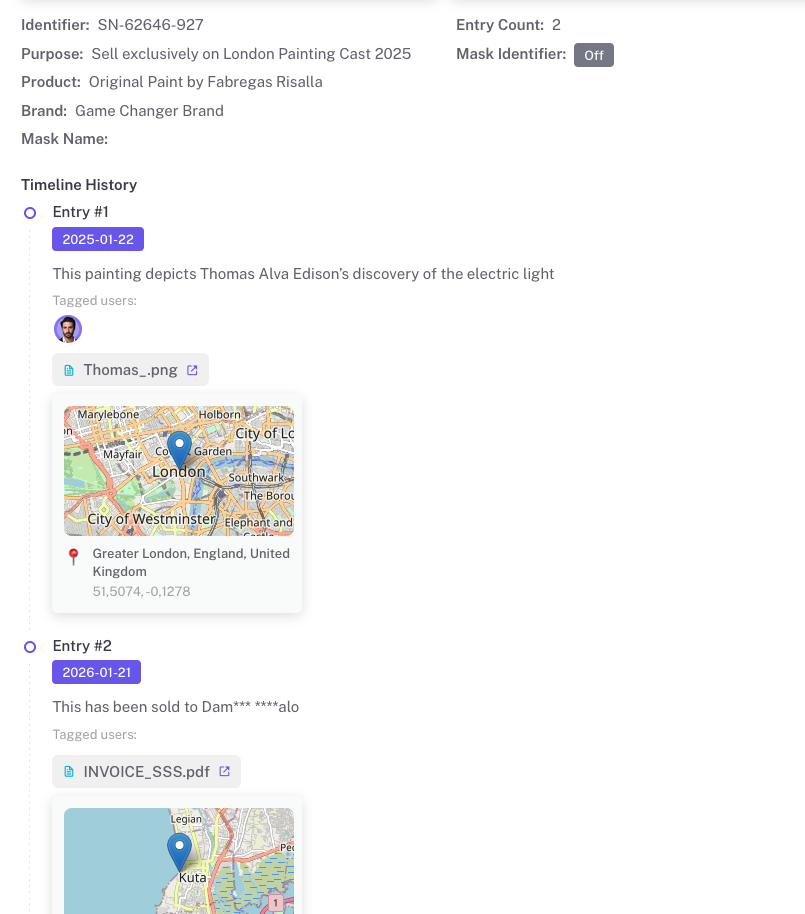
Data or Content Details

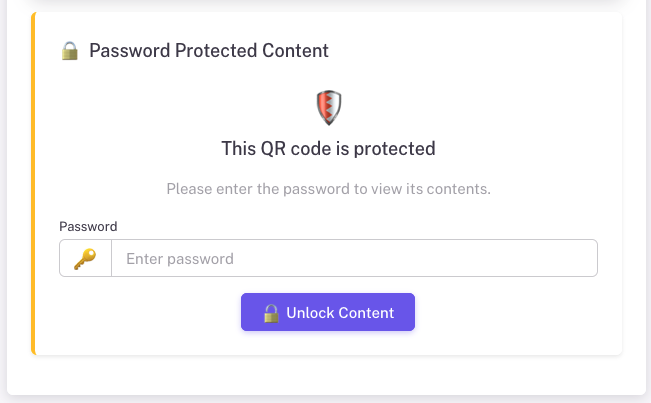
Displays detailed stored or encrypted data in various formats based on the selected template, including whether password protection is enabled.
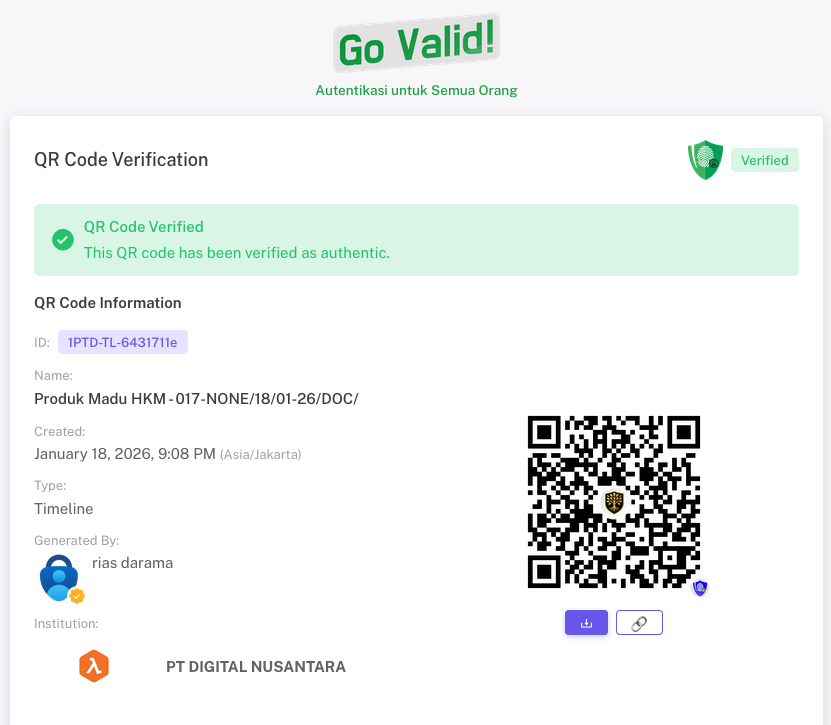
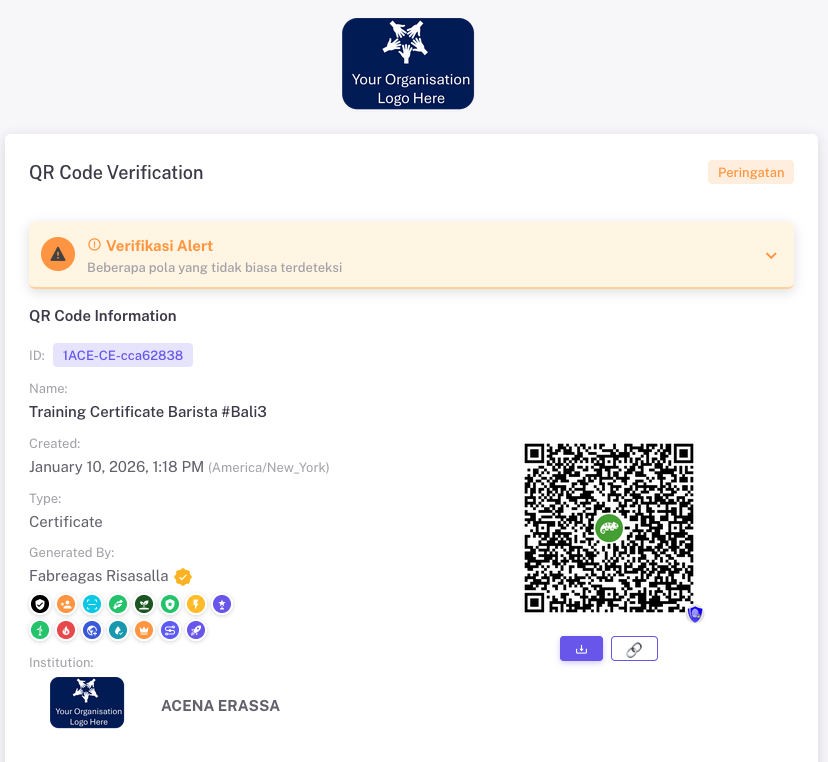
Logo & Basic Information

First Section
Displays essential information.

Collect badges to increase trust in you and your products. Add your logo and choose whether your profile photo is visible or hidden.

  • Your Organisation / Institution Logo
  • Status: Normal, Warning, Blocked
  • Badge(s)
  • Profile Photo (Show / Hide)
Verification Details

Verification Status
and scan details

The second section displays cryptographic verification details and the verification status. For Enterprise-level users, more advanced features are available, including non-repudiation status.

170

Total Scan

6

Cities Detected

57

Devices Scanned
Data or Content Details

Third Section
Displays data or content.

Configure the information that is required for public verification. Clear and transparent information helps build trust. Use passwords or masking (****) to protect sensitive data, or exclude such data from public view.

  • Password per QR code or for all QR codes
  • Use masking feature (****)
  • User tagging with privacy controls
  • Profile Photo (Show / Hide)

Bringing Global Standards Within Reach to Build Local Trust

GoValid delivers a flexible verification page for various products and industries, helping protect consumers and strengthen trust in local products.

img app

My Cart